

























































































































Highlights:
- Turn lecture recordings and notes into quick summaries, quizzes, and practice exams.
- Find weak topics early with active-recall questions and mock tests.
- Organize deadlines, study plans, and class material in one place.
- Improve writing clarity while staying within course AI guidelines.
It’s the night before finals, and I’m at Hale Library with three tabs open, cold coffee nearby, and a growing suspicion that I should have started reviewing two weeks ago.
AI has not magically made college easy. But when I use it to organize notes, test myself, and catch what I don’t understand, it helps me spend less time staring at a syllabus and more time actually learning.
Here are seven AI tools K-State students can use to study smarter, without treating AI as a shortcut around the work.
1. Studocu: My all-in-one finals survival tool
When I’m cramming at Hale, the biggest challenge is rarely finding more information. It’s turning lecture slides, rushed notes, recordings, and readings into something I can realistically review before an exam.
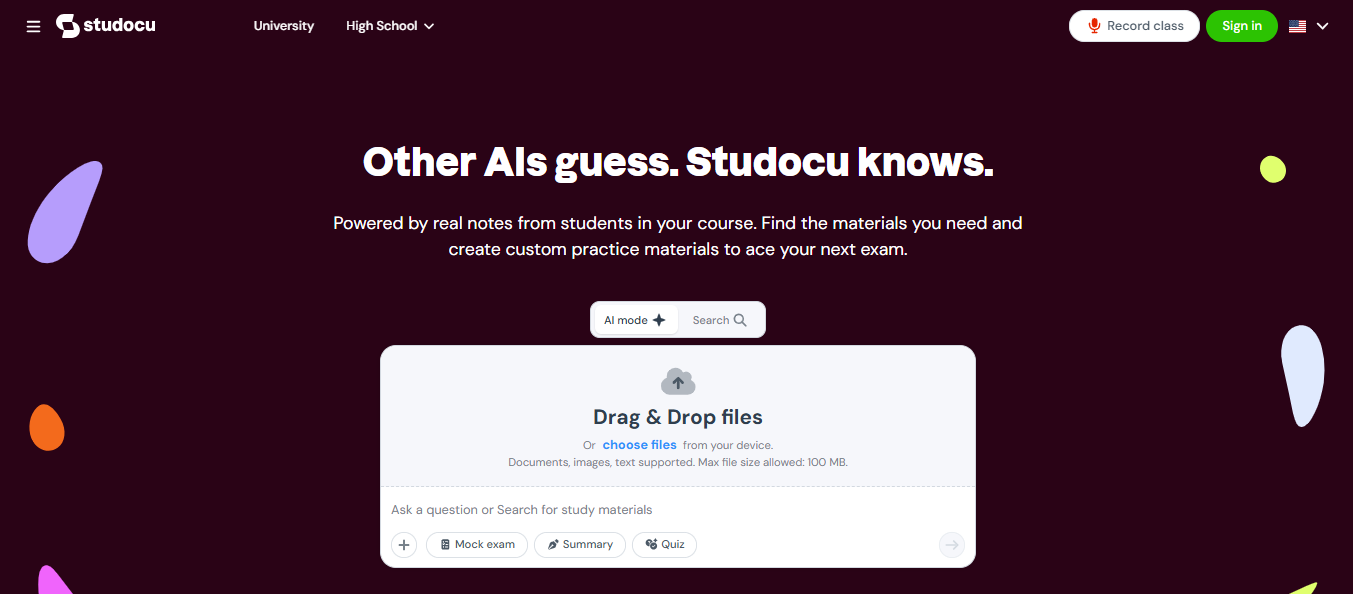
That’s where I would start with Studocu. It puts several study tasks in one place, rather than making me jump between a recorder, flashcard app, quiz app, and notes folder.
AI Notes and Smart Notes
I can upload lecture slides or my own notes and use AI Notes to turn dense material into shorter, structured summaries. That is especially useful after a lecture where I wrote down every other sentence but still missed the professor’s main point.
Instead of memorizing a 30-slide deck in order, I can review the concepts, definitions, formulas, and likely exam topics first.
Mock Exam Generator
The Mock Exam Generator is the feature I would save for the last stage of prep. It creates a timed practice exam from my material, then gives me a more honest answer than my own “yeah, I probably know that.”
I can use the results to decide whether I need another hour on a tough unit or can finally move on.
Lecture Recorder and transcription
For a fast lecture, I can record the class and get a transcript, notes, a summary, and a quiz afterward. That makes it easier to stay present during class instead of trying to type every word the instructor says.
Quiz Generator and study groups
Studocu can create quizzes from uploaded material, which turns passive rereading into active recall. It also lets students work with classmates and share project materials, so a study group can spend less time asking, “Does anyone have the notes from Tuesday?”
My best use case: I would upload notes after each unit, create a quiz before the weekend, then use a mock exam during finals week. The goal is to find gaps early, not discover them when the exam is on my desk.
Pricing: Studocu’s AI Notes, quiz tools, flashcards, and related study features are available for free, while access to platform materials and features can vary by account and region.
2. ChatGPT: For working through the confusing part
I use ChatGPT best when I have a specific question, not when I want it to do the assignment for me. If an economics graph, coding concept, or biology process is not clicking, I can ask it to explain the idea in simpler terms, give me a new example, and then quiz me without revealing the answer right away.
ChatGPT’s Study Mode is built for this kind of back-and-forth. It can ask questions, guide students through a problem step by step, and check understanding instead of simply supplying a finished answer.
A prompt I would use: “I’m studying for a K-State statistics exam. Teach me confidence intervals one step at a time. Ask me one question after each explanation, and do not give me the final answer until I attempt it.”
The key is verification. I still compare explanations with my class notes, assigned readings, and my instructor’s method.
3. Otter.ai: For lectures I need to revisit
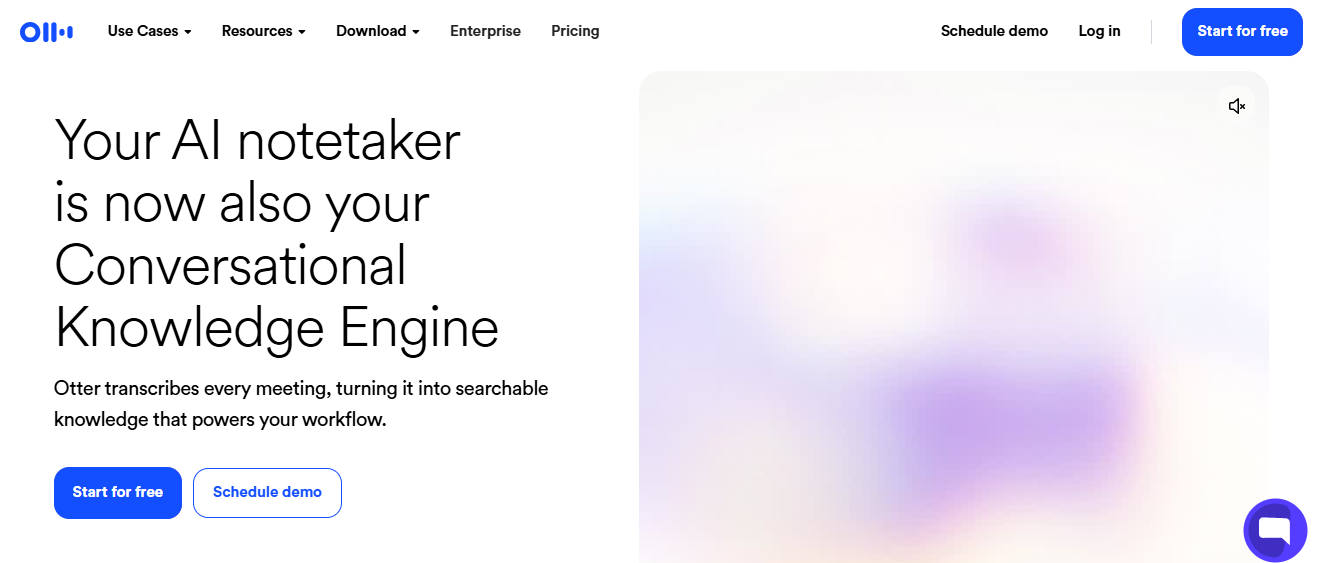
Some classes move too quickly for perfect notes, especially when the professor explains a process while changing slides. Otter.ai is helpful for recording and transcribing lectures or study-group discussions, with real-time captions and notes for both in-person and virtual classes.
I would not use the transcript as my final study guide. Transcripts can mishear technical words, names, and numbers. But I can search the recording for the exact moment an instructor explained a difficult concept, then correct and condense it into my own notes.
This is a particularly good option for students who learn by replaying explanations or who need accessible lecture captions.
4. Quizlet: For rapid-fire active recall
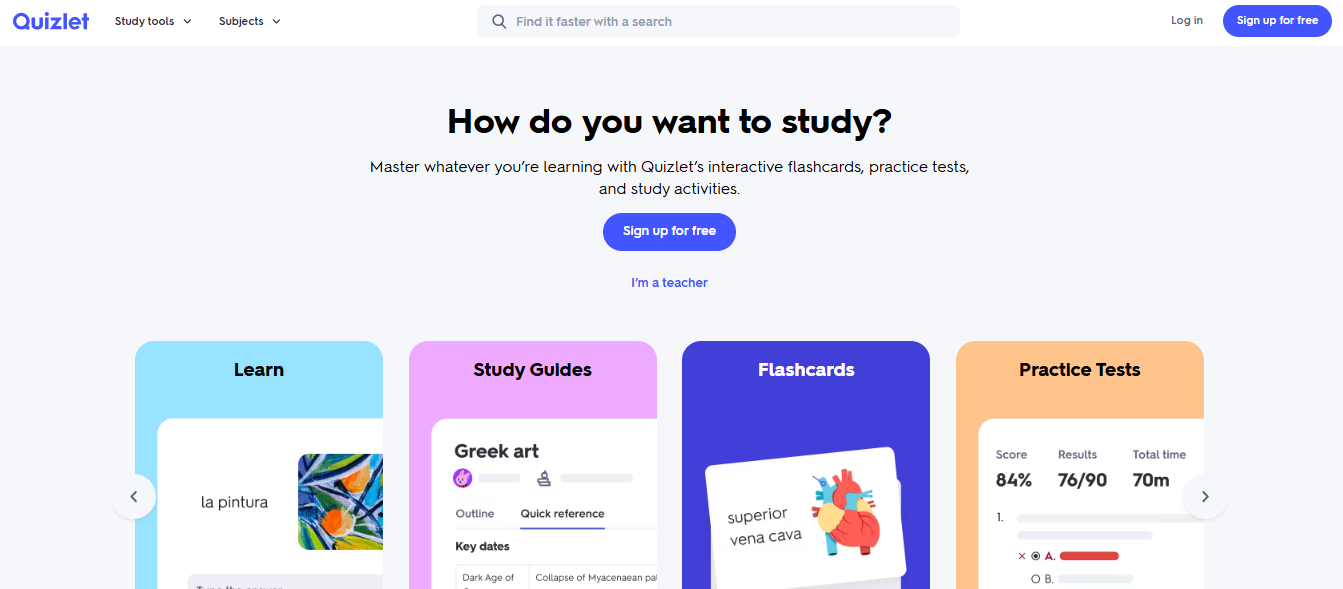
If I have terminology, dates, equations, vocabulary, or processes to memorize, Quizlet is still one of the fastest ways to build a repeatable review routine.
I can create a set from my notes and use flashcards, quizzes, and practice-test formats to test myself on the go. Quizlet also offers AI-powered study tools and personalized practice features.
My rule: I make my own cards whenever possible. Creating a flashcard forces me to decide what matters, and I am much more likely to remember a card I wrote in my own words.
5. Grammarly: For polishing work I already wrote
Grammarly is not my idea generator; it is my final editing pass. Before I submit an essay, lab report, scholarship response, or email to a professor, I use it to catch grammar, punctuation, awkward wording, and tone problems.
Its free plan includes core writing feedback and tone detection; paid plans add features such as full-sentence rewrites, more AI prompts, and plagiarism detection. That makes it especially useful when I know what I mean, but my first draft does not sound as clear as it did in my head.
I still read every suggestion. A grammatically correct sentence can still be inaccurate, overly formal, or unlike my own voice.
6. Notion: For turning scattered work into a plan
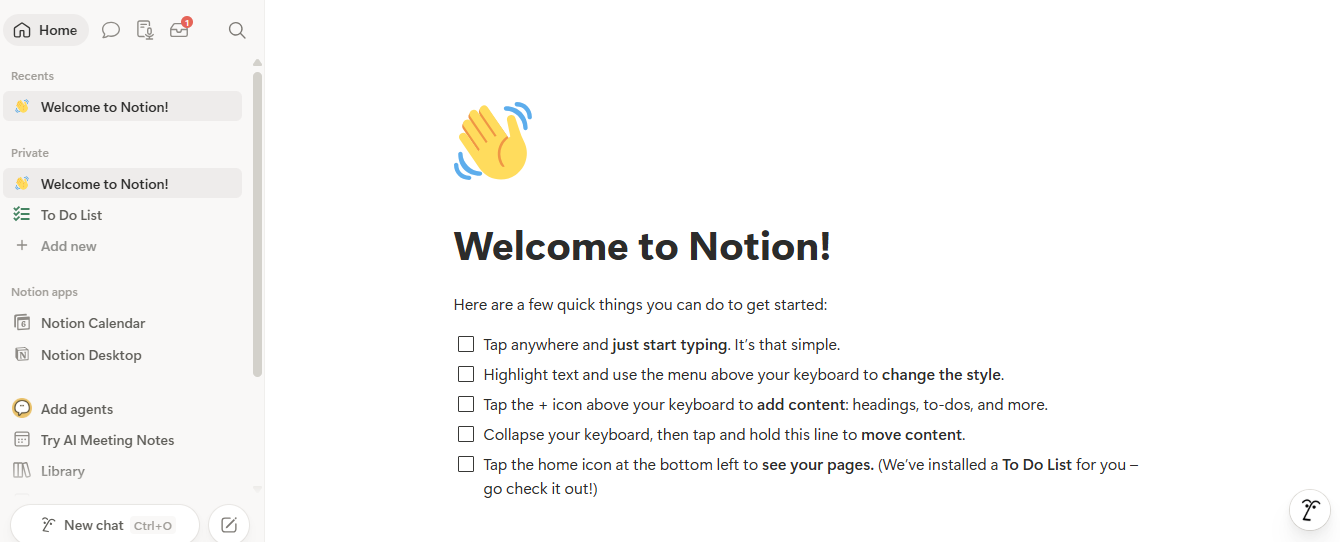
During a busy week, my problem is often not studying; it is remembering which chapter, quiz, reading, discussion post, and exam deserves attention first.
Notion helps me keep a course dashboard with assignments, due dates, class notes, exam checklists, and study-session plans. Its AI can summarize notes, answer questions based on workspace content, improve writing, and help organize information in pages or databases.
For example, after I paste in my own week’s notes, I might ask: “Make a three-day exam review plan. Prioritize topics that appear in both lecture notes and the study guide.”
The result is not a substitute for deciding what matters. It is a faster starting point when my brain is overloaded.
7. Gemini: For guided learning with files
Gemini is useful when I want to attach class material and ask for a guided walkthrough rather than a one-shot summary.
Its Guided Learning feature can work as a tutor with visual aids and educational resources, and users can upload files or images as context for a learning prompt.
I would use it for prompts such as: “Use these notes to quiz me on the three most important concepts. If I miss one, explain why in plain language and give me a similar practice question.”
That approach is better than asking for an answer key because it makes me practice retrieving information under pressure.
Free vs. paid: What I’d use first
| Tool | Strongest student use | Free starting point | When paid may make sense |
|---|---|---|---|
| Studocu | Notes, lecture review, quizzes, mock exams | Most documents and AI study tools are available for free | More platform access, premium documents or account-specific features like downloading documents |
| ChatGPT | Step-by-step explanations and practice | Study Mode is available to logged-in users across plans | Higher usage limits or advanced plan features |
| Otter.ai | Lecture recording and transcripts | Good for trying transcription workflows | More recording or transcription capacity |
| Quizlet | Flashcards and rapid recall | Basic flashcards and study sets | More practice-test access and expanded study modes |
| Grammarly | Grammar, clarity, and tone checks | Core writing feedback | Rewrites, advanced suggestions, and plagiarism checks |
| Notion | Course planning and organized notes | Core workspace organization | AI features and expanded workspace capabilities |
| Gemini | File-based tutoring and guided learning | General access can be a useful starting point | Access and features may vary by plan or account |
Use AI without crossing the line
AI can help me learn, but it should not replace my thinking or break course rules.
- Check each course syllabus and assignment instructions before using AI.
- Do not submit AI-generated writing, code, or answers as my own work unless the instructor explicitly permits it.
- Verify facts, citations, calculations, and quotations against reliable course materials.
- Avoid uploading sensitive personal, research, or class information unless I am comfortable with the platform’s data practices.
- Use AI to explain, quiz, organize, and revise, not to skip the learning.
FAQ
Q: Can AI actually help me score higher?
A: It can help me study more efficiently by organizing material, generating practice questions, and exposing weak areas. It cannot guarantee a grade, and it works best when I actively answer questions, check accuracy, and practice with my course material.
Q: Which tool should I try first?
A: I would start with Studocu if I want notes, lecture support, quizzes, and mock exams in one study workflow. I would add Quizlet for memorization, ChatGPT or Gemini for explanations, Otter.ai for recordings, Notion for planning, and Grammarly for final writing cleanup.
Q: Is it okay to record a lecture?
A: I would ask or check course expectations first. Even when recording is allowed, I would use it only for my own studying and would not share recordings without permission.
Q: What is the smartest AI study habit?
A: I use AI after I have engaged with the material once myself. Then I ask it to quiz me, challenge my explanation, or build practice questions from my notes. That is when it becomes a study partner instead of another tab distracting me at Hale Library.