



















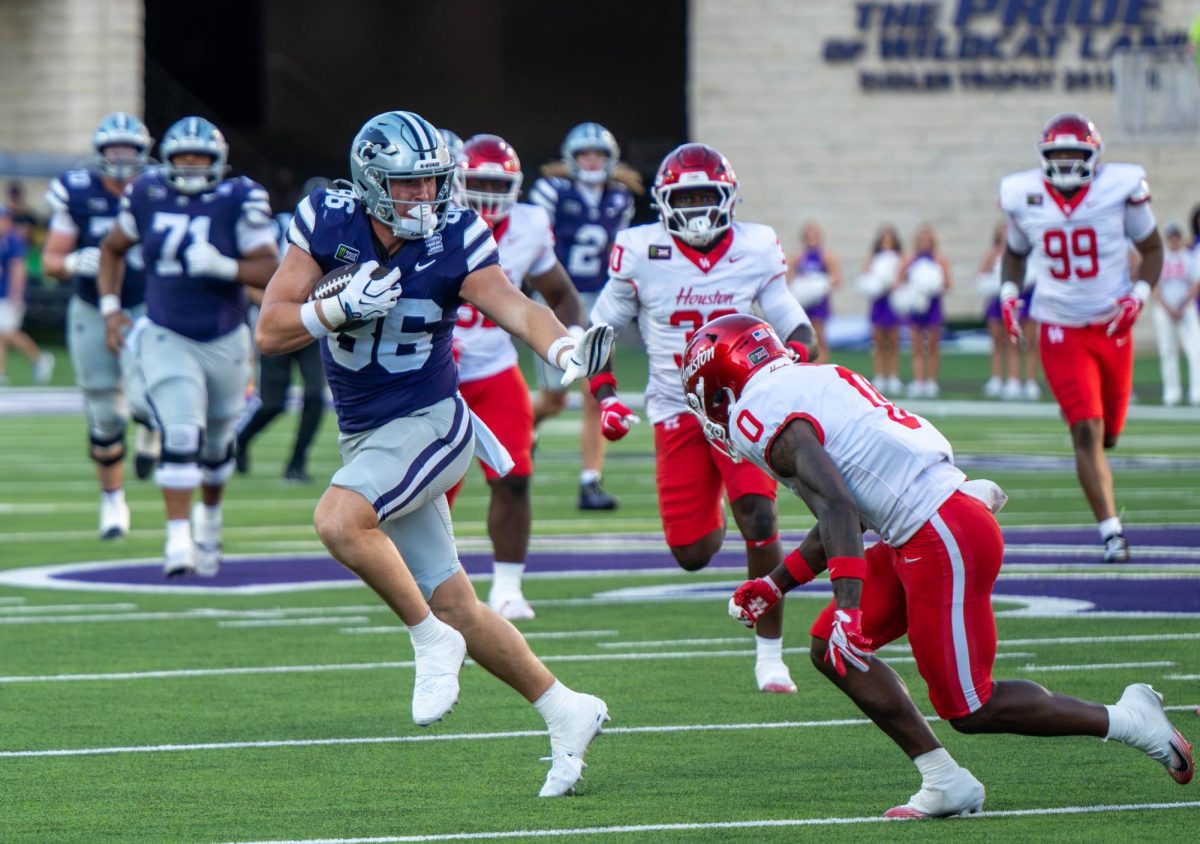



























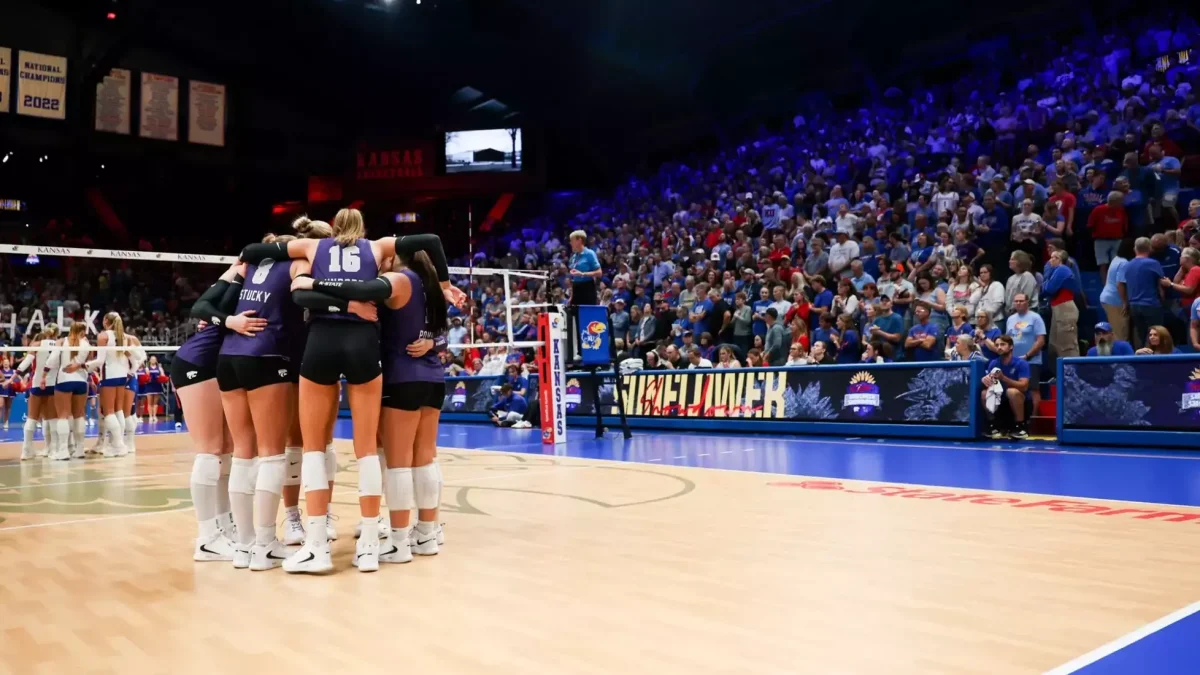
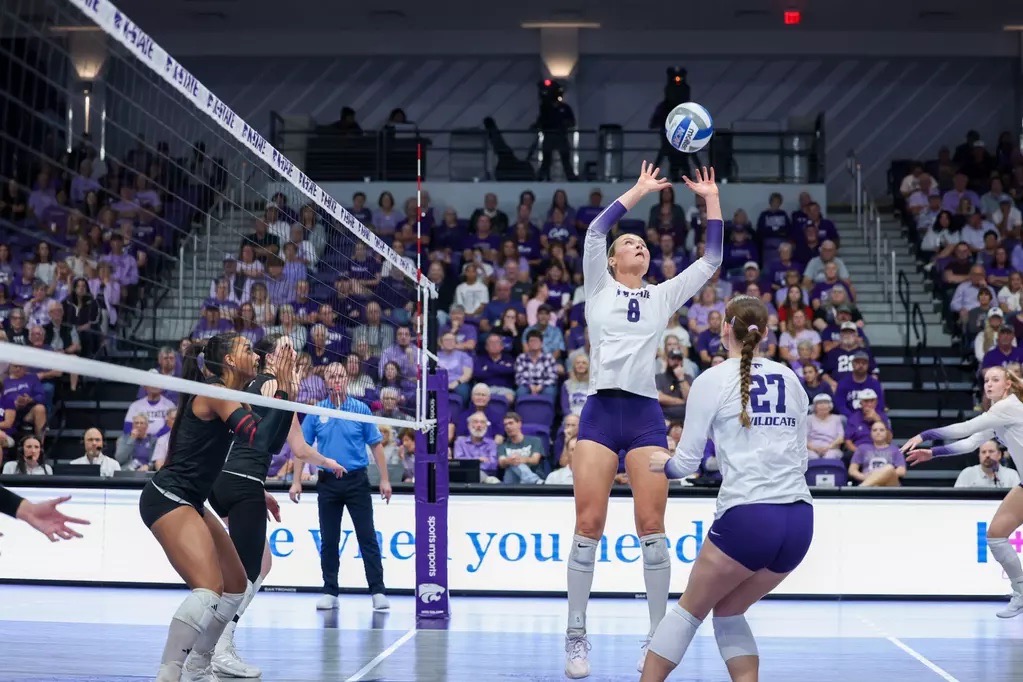

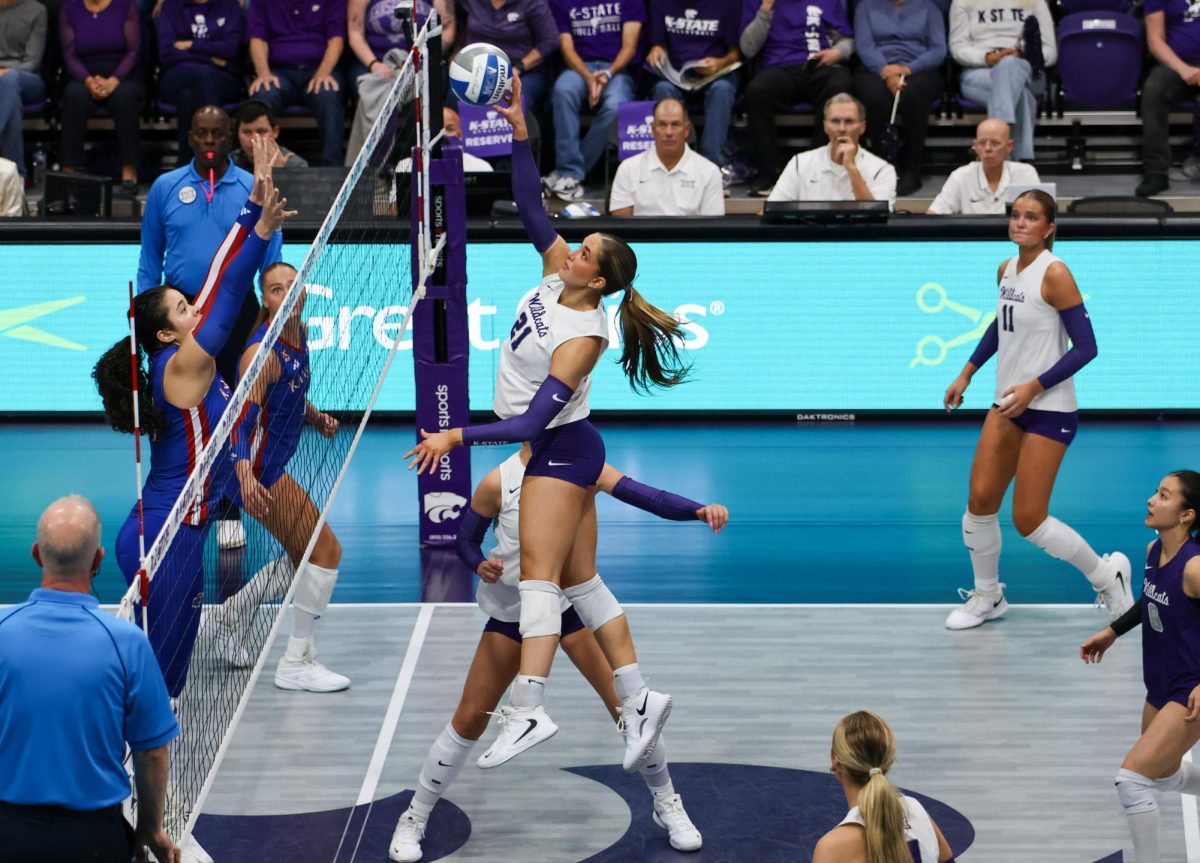
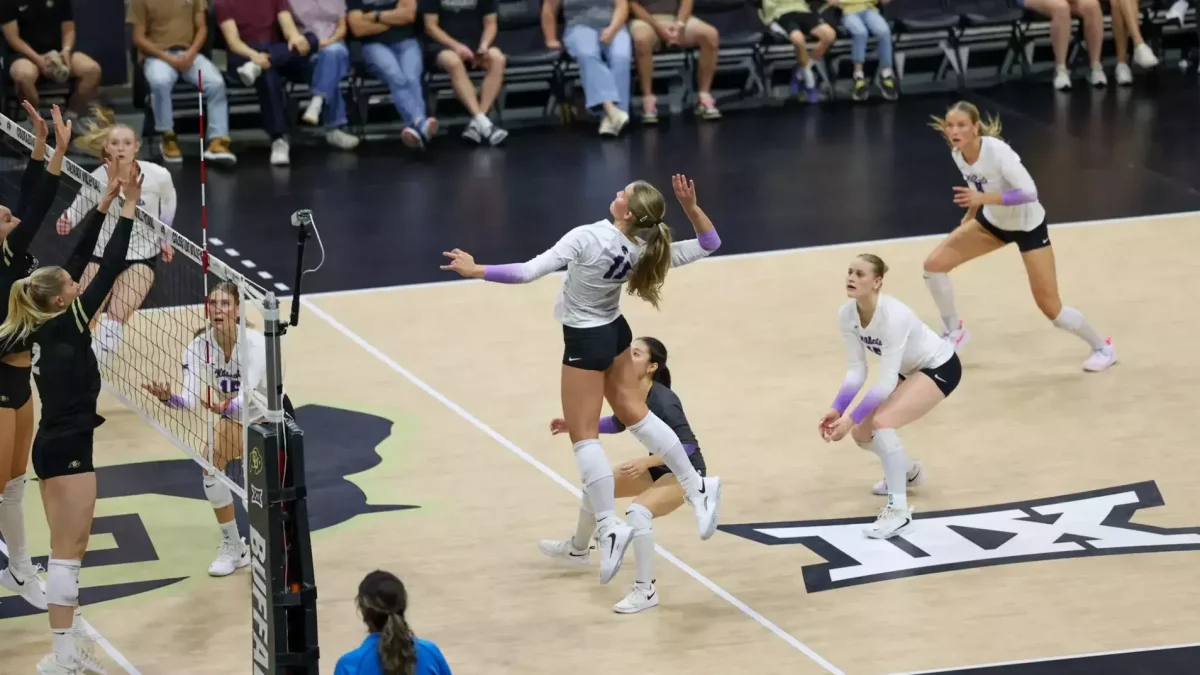































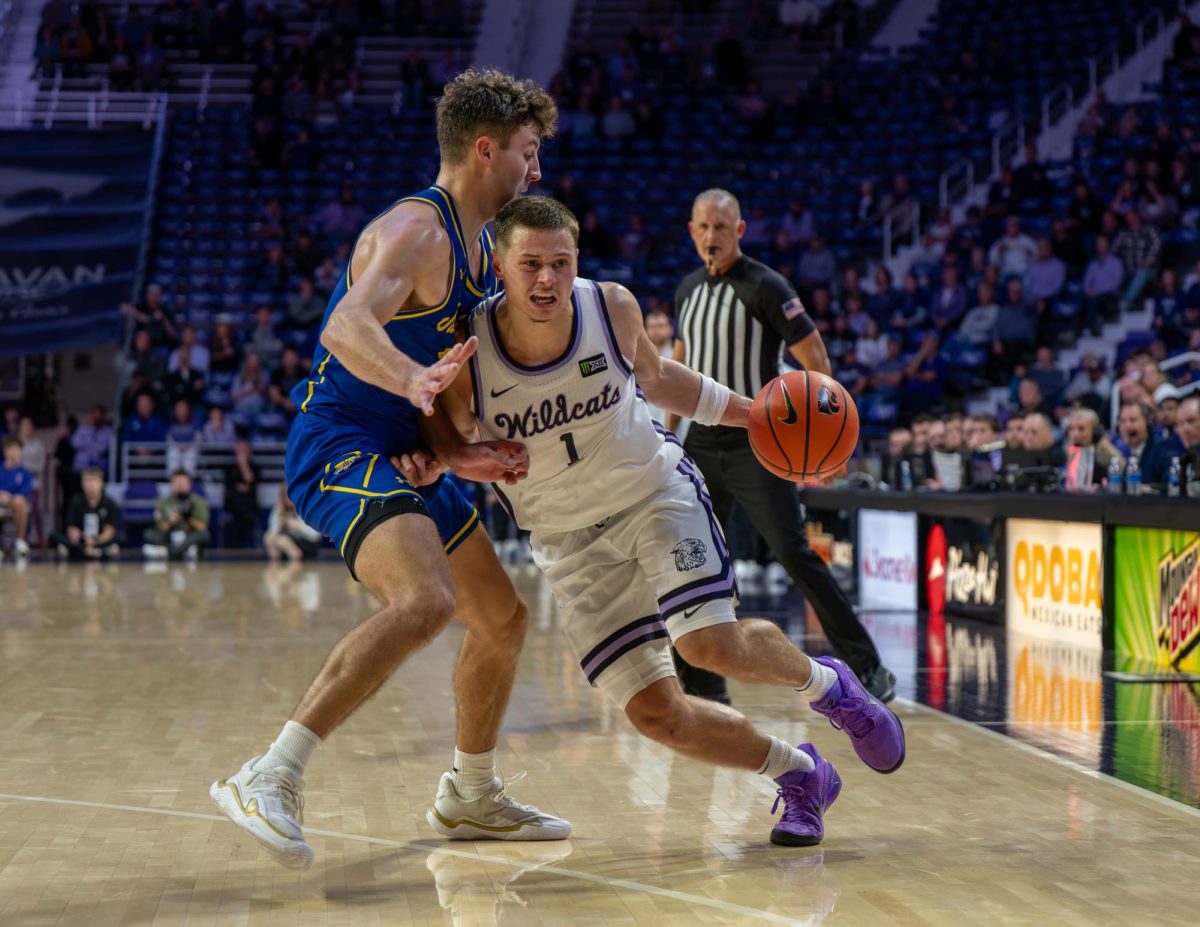





























Being a K-State student means bleeding purple — but it also means living on a student budget, in a dorm or an off-campus apartment that almost certainly doesn’t have a cable package. So when the Wildcats take the field or the court, the question isn’t whether you’ll watch, it’s how you’ll stream it without blowing your grocery money for the month.
The good news: following K-State sports (and everything else you want to watch) on a budget is completely doable once you know where the games live and which services are actually worth paying for. Here’s the student’s guide to streaming Wildcats games and more.
Where Wildcats Games Actually Air
K-State competes in the Big 12, and in 2026 the conference’s games are spread across several networks. Football airs nationally on ABC and ESPN’s networks (ESPN, ESPN2, ESPNU), on FOX and FS1, and on TNT Sports (TNT and truTV) — with streaming on ESPN+ and Max. Big 12 men’s basketball, including the conference tournament, runs primarily across ESPN, ESPN2, ESPNU, and ESPN+.
The takeaway: no single network has every Wildcats game, so the smart play is assembling a couple of budget-friendly pieces that cover the most games for the least money.
The Budget-Friendly Building Blocks
You don’t need a pricey all-in-one package. Start with these:
A digital antenna (basically free). A cheap over-the-air antenna pulls in your local ABC and FOX stations in HD at no monthly cost — and since a good chunk of the biggest Wildcats games land on ABC and FOX broadcast, that’s real coverage for a one-time ~$20 purchase. Perfect for a dorm room or apartment near Manhattan.
ESPN+ / ESPN Select (the budget MVP). A huge share of Big 12 games — including plenty of K-State football and basketball — stream on ESPN+, available on its own for around $11 a month. For a student who mostly cares about Wildcats games, this is often the single best-value subscription you can buy.
Free ad-supported streaming. For everything that isn’t live sports — movies, shows, background TV — apps like Tubi, Pluto TV, and The Roku Channel are completely free. They won’t carry the games, but they’ll cover your downtime without adding a bill.
Student discounts. Don’t pay full price for anything you don’t have to. The Disney+/Hulu/ESPN+ bundle, Peacock, and several other services offer discounted student pricing — always check for a student rate before subscribing.
The Roommate Strategy: Split Everything
Here’s the move every budget-savvy student should use: share subscriptions with roommates. Most streaming services allow multiple profiles or simultaneous streams, so a live-TV or streaming plan split three or four ways drops the per-person cost to almost nothing. One roommate covers ESPN+, another covers a general streaming app, and everyone shares logins. It’s the single biggest way students cut their entertainment costs — turn your apartment into a shared streaming household.
Bringing It All Together
If juggling an antenna plus ESPN+ plus a couple of other apps starts to feel like a lot — and if you and your roommates want live channels beyond just the games (sports networks, entertainment, news) in one place — consolidating is worth considering. A service like iptv canada brings a broad range of live channels together into a single subscription that streams over the internet you already pay for, on the laptop, phone, TV, or streaming stick you already own. Split across a few roommates, a single consolidated service can be a genuinely economical way to cover live channels without stacking separate apps.
Weigh any option like this the same way: how much of what you actually watch it carries, how reliably it holds up during a big game, whether it runs on your devices, and what the per-person cost works out to once you split it. And remember the foundation of all of this is your internet connection — for smooth HD during a Wildcats game, a stable connection matters more than anything else.
Beyond Sports: Movies, Shows, and Downtime
Streaming for students isn’t only about game day. Between classes and study sessions, the free ad-supported apps cover movies and older shows at no cost, a shared general subscription handles the big new releases, and a consolidated live-TV setup fills in news and background channels for the apartment. Mix free and paid so you’re only spending where it actually earns its place.
A Quick Student Setup Checklist
- Grab a digital antenna — free ABC and FOX games, one-time cost.
- Add ESPN+ — the best-value pickup for Big 12 and Wildcats coverage.
- Use free apps (Tubi, Pluto, Roku Channel) for movies and shows.
- Hunt for student discounts before paying full price for anything.
- Split subscriptions with roommates to slash the per-person cost.
- Consider consolidating live channels into one service if you want more than just the games.
- Check your Wi-Fi — test it before game day, not at kickoff.
Conclusion
You don’t need a cable package or a big budget to follow the Wildcats — you need a smart mix. An antenna for the broadcast games, ESPN+ for the bulk of Big 12 coverage, free apps for everything else, student discounts where they exist, and roommates to split the cost. Put those pieces together and you’ll catch every purple-and-white moment from Bill Snyder Family Stadium to Bramlage Coliseum, all season long, without breaking the student bank. Go ‘Cats.